
Compare the workflow
Compare the workflow. Then choose the platform.
Compare the equipment workflows that matter to your team using a common demonstration and migration checklist.
Hafrix is designed for service-company operations: keeping equipment, stock, jobs, field evidence, maintenance and financial records connected. If you are evaluating RigER, use the same asset and job scenario to see how each product supports your team.
What the vendor publishes
RigER describes workflows for equipment rental, dispatch, field service, maintenance and invoicing, together with integrations and mobile applications. Its published material also describes offline mobile access. These are vendor statements, not a finding that one product lacks the other's features. Sources checked 21 September 2026: RigER functionality and oilfield rental software.
What to inspect in Hafrix
| Your evaluation question | A Hafrix demonstration to request |
|---|---|
| Can we trace a serialized asset and its components? | Open its register record, certificate state, component relationships and event history |
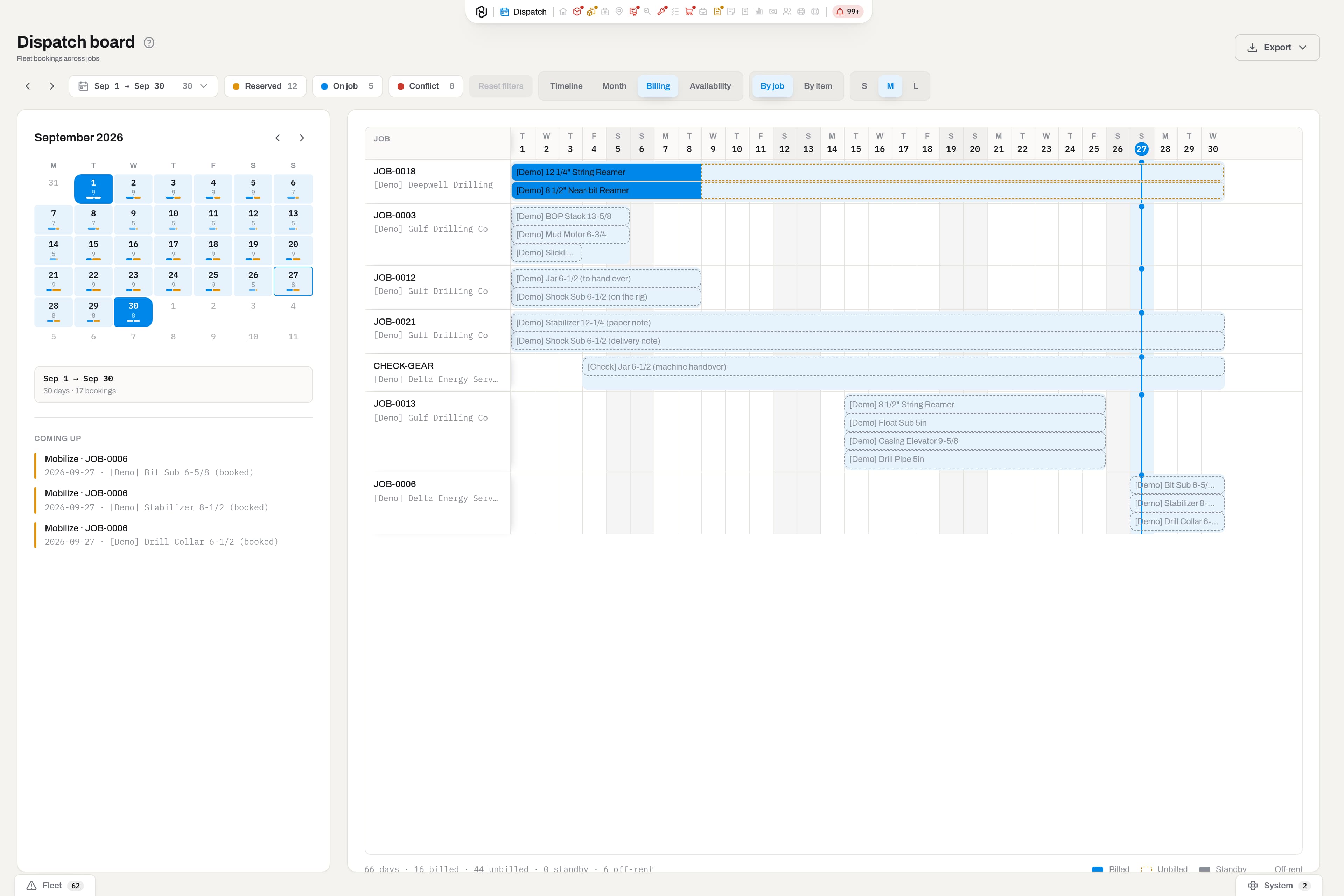
| Does the yard know what can leave? | Review readiness, bookings and a job's equipment assignments |
| Can field evidence reach the office without retyping? | Capture a field ticket, review its synchronization and office approval |
| Can we explain the invoice? | Review the rental period, associated work and resulting invoice lines |
| Can we use history when planning service? | Review asset health, usage and maintenance records; agree any external Intel coverage separately |
Make commercial comparisons on an agreed scope
Compare named modules, office and field users, implementation work, support coverage, historical migration and integration responsibilities. Hafrix's current website prices are illustrative preview rates; they are not a basis for claiming a lower total cost than another vendor.
Ask each supplier to demonstrate access controls, exports, mobile behavior and a complete operational scenario with your sample records. Validate any specific integration, certification or local compliance requirement directly rather than inferring it from a comparison table.
Considering a move?
An export assessment establishes what can be carried forward and how open rentals and historical records will be reconciled. Read the RigER migration approach, then arrange a workflow demonstration.
RigER is a third-party product and trademark. This page does not imply affiliation or endorsement. Published information and product configurations can change.
Keep the context
Start withone real job.
Use the same equipment, handover and billing example to evaluate the workflow that matters to your team.
Book a comparison demo