
Move to Hafrix
Keep the knowledge. Retire the spreadsheet chase.
Bring your equipment register, stock, customers and open work into one operational workspace, with a reviewed migration plan.
Your spreadsheets already contain years of operational knowledge. Moving to Hafrix should preserve that knowledge and give the team one place to use it: from equipment readiness and stock to jobs, field tickets and billing.
Plan your move from spreadsheets
Start with the records people trust
Bring representative files rather than a polished presentation: the equipment register, stock balances, certificate list, customer list and open-job tracker. We review identifiers, duplicate serials, units, dates, locations and the meaning of your status columns before agreeing the import scope.
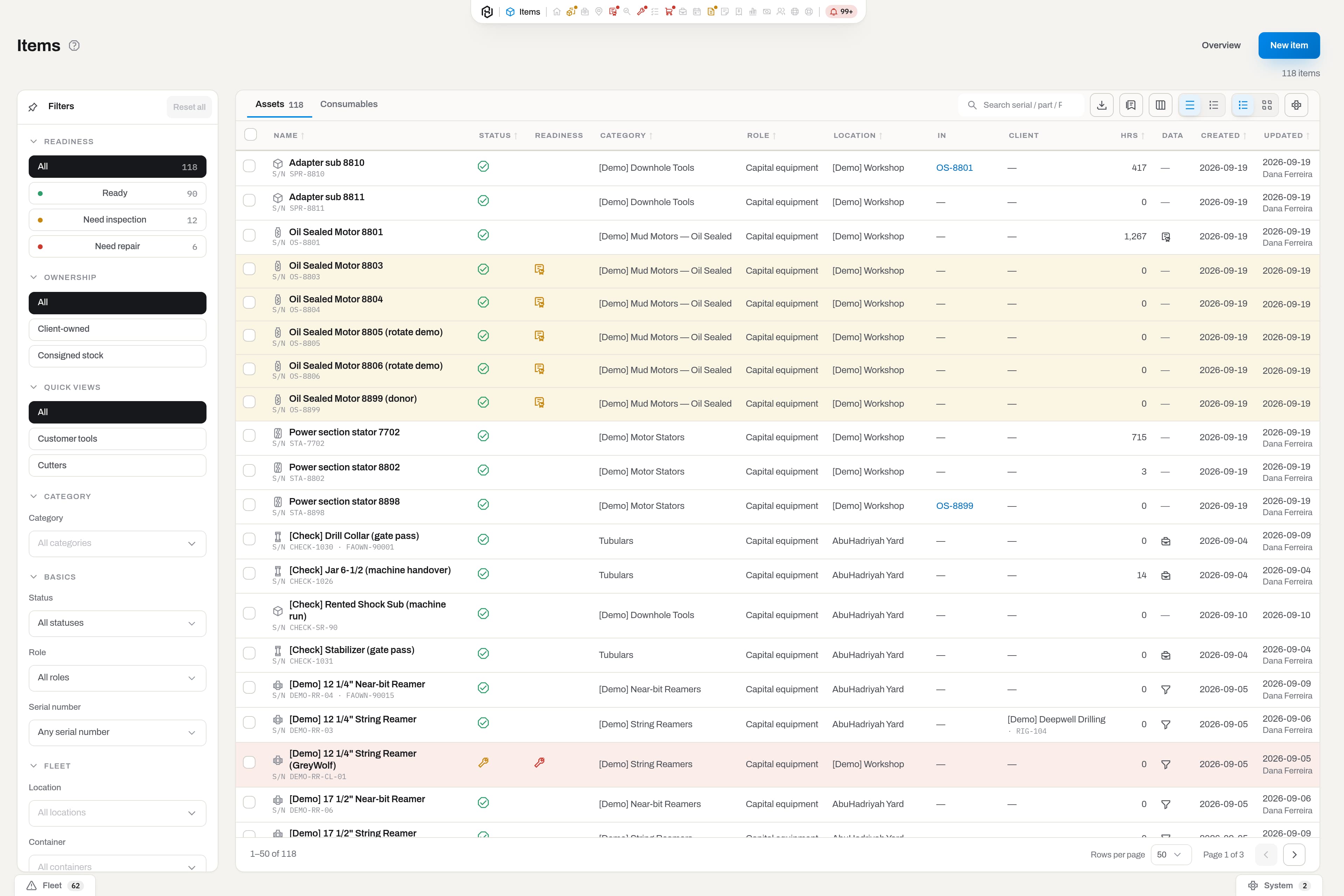
A migration in manageable steps
- Map the business. Identify the equipment categories, locations, roles and daily workflows that matter. Decide which file is authoritative when sheets disagree.
- Prepare a representative sample. Test a small set covering serialized equipment, consumables, incomplete records and assets currently in the field.
- Review the result. Check counts, serials, quantities, locations, certificates and opening values with the people who own the records.
- Rehearse the work. Walk through a dispatch, return, stock movement and billing review. Confirm permissions and train the first team.
- Agree the cutover. Set the final export time, open-work treatment, reconciliation checks and who can approve the switch.
What changes for the team
| Spreadsheet work | Hafrix workflow |
|---|---|
| Search several copies for the latest asset status | Open the shared equipment record with its location and history |
| Maintain a separate expiry tracker | Review certificate and readiness information alongside the equipment |
| Reconcile parts after an issue or return | Record supported stock movements in the same workspace |
| Retype equipment and job details into field paperwork | Connect jobs, assignments, field tickets and delivery records |
Scope the import honestly
CSV import supports defined record types and validations. An arbitrary workbook, embedded macro, historical transaction or image archive is not automatically supported by uploading a file. Historical depth, attachments, opening balances and any special transformation are part of the agreed implementation scope.
Keep your source files and an approved reconciliation record. A trial import should be reviewed before it becomes the team's working dataset. A migration schedule is agreed after the sample assessment; there is no universal go-live deadline.
Plan an Excel migration · Explore Register · See the platform
Keep the context
A new system.The context stays.
Bring an authorized sample export. Agree the records, mapping and cutover scope with the team before making the move.
Discuss your migration