
Record on location.
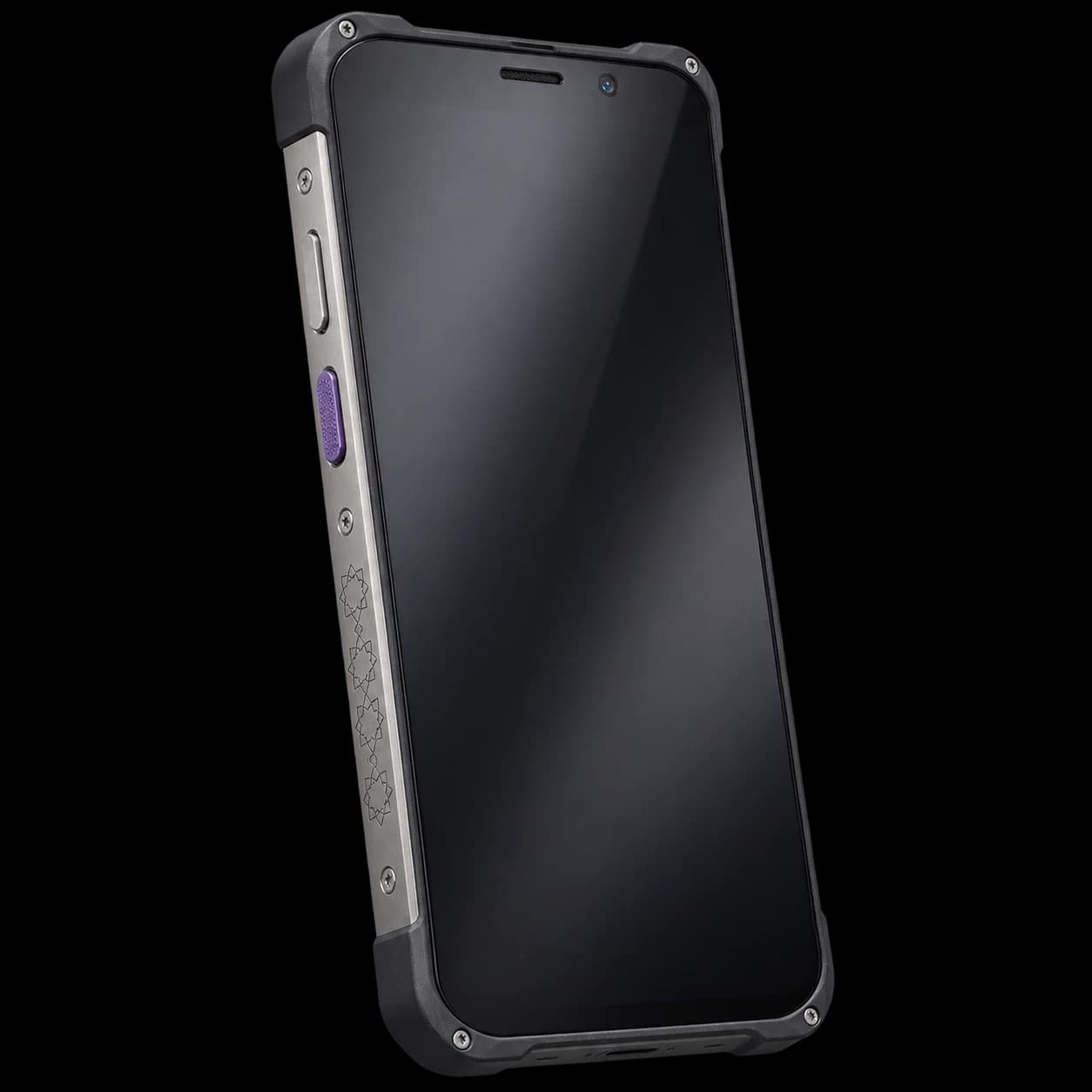
Take the field workflow onto the phone. Record the work and keep it connected to the right job.
- Field tickets
- Job context
- Mobile workflow
From the work on location to the customer signature. Keep the ticket, the job and the next handover together.
The work, in motion
Start with the field ticket register, find the right record and follow the work through signature and approval.
Inside Field
Take the field workflow onto the phone. Record the work and keep it connected to the right job.
Collect the customer signature with the ticket, retaining the detail behind the acknowledgement.
Bring approved tickets into the office workflow without separating the billing detail from the work on location.
Part of the whole
The ticket stays with the job, its equipment and the team preparing the invoice.
The field workflow is designed for the phone, including recording the work and collecting the customer signature.
Yes. The customer signature stays with the field ticket and the detail of the recorded work.
Signed, approved tickets provide the work record used in the billing workflow, with the original job still connected.
Your next field ticket
Show us how your field team works. We will follow the ticket from the first record to the billing handover.
Request a demo30-day ERP pilot. Your data. No card required.